Essential Camera Accessories: The Gear That Actually Improves Your Photography
The camera body you shoot matters less than the accessories you use with it. A…
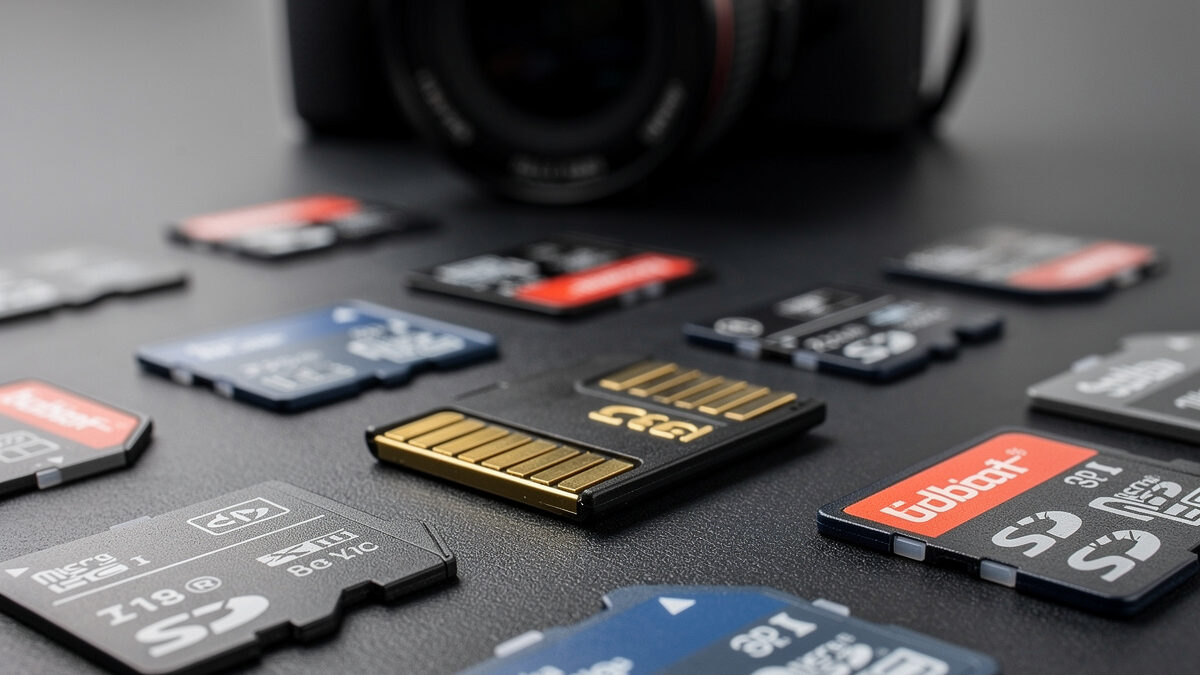
A $30 memory card holds images worth hundreds of dollars in travel and hours of work that cannot be recreated. Yet photographers routinely spend more time comparing lens sharpness than choosing a card. The three factors that determine whether your images survive the journey from sensor to hard drive are speed, capacity, and brand reliability.
I learned this lesson the hard way when a bargain-brand UHS-I card corrupted during a landscape shoot, erasing 40 minutes of golden-hour exposures. The camera showed a normal preview after each shot. The card read normally back at the cabin that night. The corruption only appeared when I plugged the reader into the laptop and watched 600+ raw files resolve to a directory listing of zero-byte stubs and unmount errors — the sick feeling of seeing your shoot reduced to a 0 KB folder is the kind of moment that changes your gear purchasing forever. The card cost $18. The images were irreplaceable.
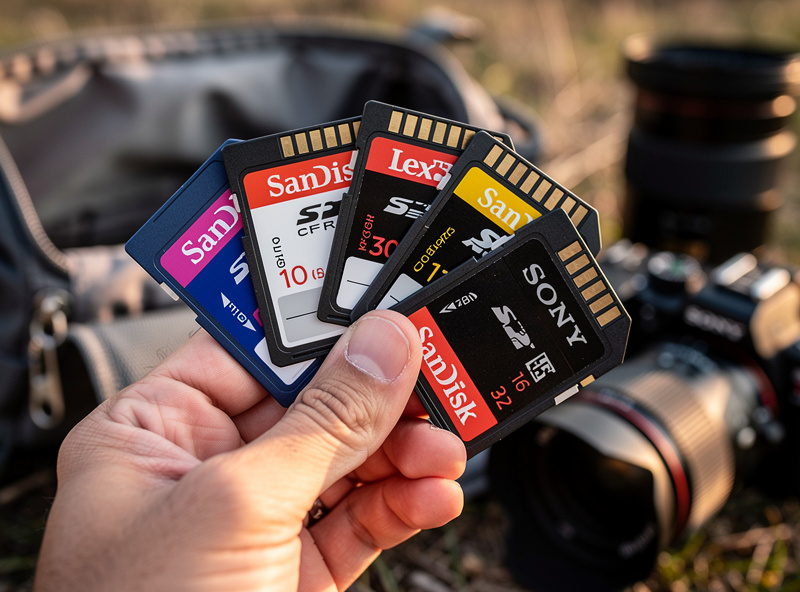
What follows is the memory card guide I wish I had read before that shoot. No spec-sheet recitation — just the practical decisions about speed, capacity, and reliability that determine whether your images survive the journey from sensor to hard drive.
A UHS-I card writes at a maximum of 104 MB/s in theory and typically 50 to 80 MB/s in practice. A UHS-II card writes at up to 312 MB/s in theory and typically 120 to 250 MB/s in practice. For single-shot photography with a 26-megapixel mirrorless body, a UHS-I V30 card is fast enough — a single RAW file is about 50 MB, and the card clears the buffer between single shots without delay. The moment you shoot bursts, record 4K video, or use a high-resolution body above 40 megapixels, UHS-I becomes the bottleneck.
The Video Speed Class rating — V30, V60, V90 — specifies the minimum sustained write speed in MB/s. A V30 card guarantees 30 MB/s sustained. A V60 guarantees 60 MB/s sustained. A V90 guarantees 90 MB/s sustained. These ratings come from the SD Association’s Speed Class specification, the same standard your camera firmware reads when it checks card compatibility — the V-class symbol on the card is not marketing, it is a sustained-write-speed guarantee that the manufacturer is contractually bound to meet under SD Association testing. For most mirrorless shooters, a UHS-II V60 card is the price-to-performance sweet spot: it handles 4K video at standard bitrates, clears a burst buffer in seconds, and costs about $30 for 64 GB. A V90 card is faster but costs twice as much, and the speed difference is only noticeable when shooting 4K at 400 Mbps or high-speed bursts on a sports body. For the photography most of us do — landscapes at f/8, portraits at f/2.8, street at 1/500s — a V60 card is indistinguishable from a V90 in real-world use.
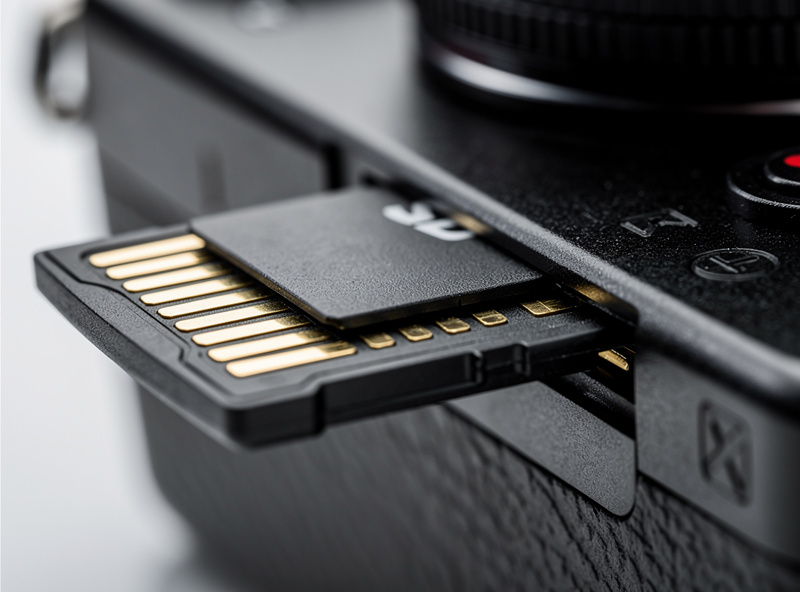
The UHS-II cards connect through a second row of pins on the back, visible as a second set of gold contacts below the standard row. Your camera must support UHS-II to benefit from the extra speed — inserting a UHS-II card into a UHS-I-only slot runs it at UHS-I speeds. Most mirrorless bodies released since 2019 support UHS-II in at least one slot, but check your camera specifications before paying the UHS-II premium. The camera buying guide covers slot specifications for different body tiers.
A 26-megapixel RAW file from a Fuji or Sony APS-C body is roughly 50 MB uncompressed. A 64 GB card holds about 1,200 uncompressed RAW files or roughly 1,800 lossless-compressed RAWs. For a typical day of landscape shooting, I might capture 150 to 300 frames — which means a single 64 GB card covers a full day with room to spare. Two 64 GB cards cover a weekend trip without touching a computer, and that is my standard kit: one card in the camera, one in the bag as backup.
A 128 GB card holds double the images but introduces a concentration-of-risk problem: if one 128 GB card fails, you lose an entire trip. If one of two 64 GB cards fails, you lose half the trip and still have the other half. For this reason, I recommend two smaller cards over one large card. The cost difference is negligible — two 64 GB V60 cards cost about $60 total, and a single 128 GB V60 card costs about $55. The $5 premium buys you redundancy that could save an entire shoot.
The exception is video. A minute of 4K video at 100 Mbps consumes about 750 MB — roughly 85 minutes per 64 GB card. If you shoot video alongside stills, a 128 GB card in the video-designated slot and a 64 GB card for stills is a sensible split. Video eats storage continuously for as long as you are rolling, in a way a stills session never does — a single wide-angle landscape session might fill a fraction of a card over hours, while a few minutes of 4K clips can eat the same space in one sitting. Running out of card space mid-take is the kind of mistake that only happens once before you start carrying larger cards.
| Brand | Reliability Tier | V60 64GB Price | Warranty | Notes |
|---|---|---|---|---|
| SanDisk Extreme Pro | Top Tier | $30 | Lifetime | Industry standard, widest camera compatibility |
| Lexar Professional 1667x | Top Tier | $28 | Lifetime | Excellent speed, slightly less common in retail |
| Sony TOUGH SF-M | Top Tier | $35 | 5 years | Physically reinforced, best for harsh conditions |
| Kingston Canvas React Plus | Good | $25 | Lifetime | Good value, check camera compatibility |
| ProGrade Digital | Good | $32 | 3 years | Designed for high-volume, tested well in reviews |
| PNY / Transcend / TeamGroup | Budget | $18 | 1-3 years | Fine for casual use, not for professional work |
The reliability gap between top-tier and budget brands is real. SanDisk, Lexar, and Sony have manufacturing quality control that catches defective cards before they ship at rates that budget brands do not match. I do not have a clean controlled study to point to for exactly how much more often budget cards fail, and I would rather say that plainly than invent a number — but the pattern across photography forums, my own decade of shooting, and the one corruption I did experience personally all point the same direction: it happened on the bargain-brand card, not the SanDisk or Sony cards I have run in parallel since. A $12 savings on a memory card is not worth the risk of losing an entire shoot to a brand with looser manufacturing quality control. The essential camera accessories guide covers how memory cards fit into a complete accessory and backup workflow.
A fast card is only as fast as the reader you plug it into, and this is the step most photographers never think to check. Pulling a card directly out of the camera and connecting the camera itself to a computer via USB is almost always the slowest way to move files — camera USB implementations prioritize compatibility over transfer speed, and even a camera with a fast card inside will bottleneck the transfer badly compared to a dedicated reader. A proper UHS-II card reader connected over USB-C or Thunderbolt reads at close to the card’s actual rated speed, and the difference on a full card of RAW files is not subtle: what takes fifteen or twenty minutes through the camera can take a few minutes through a good reader.
I keep a small UHS-II reader clipped inside my camera bag permanently, right next to the spare cards, because the reader is useless the one time you forget it at home. It is a five-dollar-to-twenty-dollar accessory that removes a real bottleneck from every single import, and unlike most of the accessories in this guide, it has no learning curve and no setting to get wrong. Buy a reader that matches your card’s interface — a UHS-I reader will not give you UHS-II speeds no matter how fast the card itself is rated, which is the same lesson as the camera slot compatibility question covered above, just moved one step further down the workflow.
A memory card is a small, tough, solid-state object, and it is easy to assume that toughness means it can be treated carelessly. In my experience shooting through Swedish winters, cold itself is rarely the problem — cards keep working fine at temperatures that make batteries struggle. Moisture is the real threat, particularly the condensation that forms when you bring a cold camera into a warm cabin or car and humidity in the air meets the chilled card contacts. I have learned to let the camera bag itself warm up gradually rather than pulling the camera straight out into a heated room, and I avoid swapping cards during that transition window entirely.
The other field habit worth building is treating the card slot door and the contacts themselves as something to protect from grit. Beach sessions and dusty trail shoots are where I have seen cards and slots get contaminated, and a slot that will not seat a card properly mid-shoot is its own kind of catastrophic failure. A simple blower before opening the card door, and keeping spare cards in a hard case rather than loose in a bag pocket, prevents most of the field damage that has nothing to do with the card’s electronics and everything to do with where it has been riding around all day.
The memory card is the first link in a chain that ends with your images safe on redundant storage. My workflow, refined after the card-failure incident, is: shoot to card, import to Lightroom on the local machine, backup to a NAS on the local network, and once a month, pull an offsite backup to a drive stored in a different physical location. Four copies: card, computer, NAS, offsite. This extends the 3-2-1 backup rule — three copies across two media types with one offsite, a principle photographer Peter Krogh coined specifically for digital-asset management in his 2006 book “The DAM Book” — with an additional on-site copy for immediate access. The card gets reformatted after import is confirmed — not before, never before — and the reformat happens in-camera, not on the computer, to ensure the camera’s file system is used.
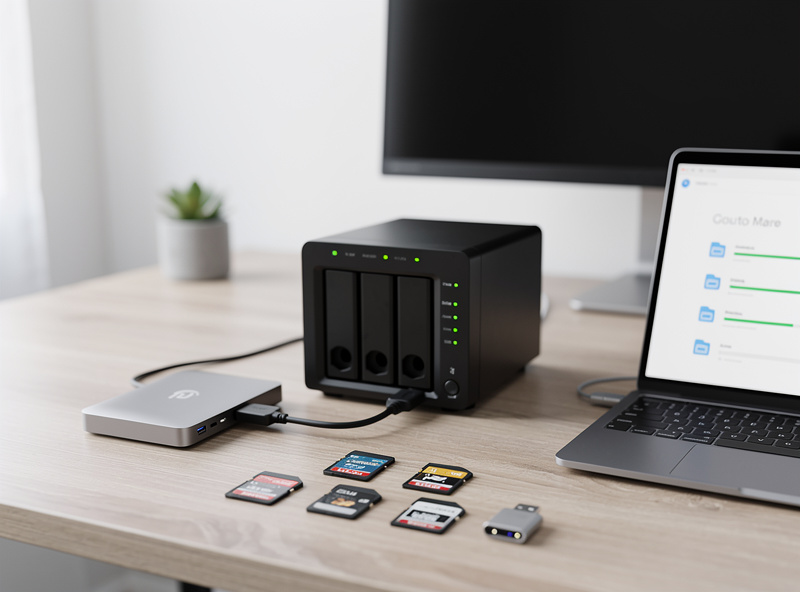
Dual-slot cameras add a layer of protection at the shooting stage. Writing RAW to both cards simultaneously means a card failure during a shoot costs no images at all — the duplicate card has everything. This is one of the strongest arguments for a dual-slot body, and it is a feature I recommend considering when you upgrade. The sensor size comparison discusses body features beyond sensor format, and dual slots are a practical advantage that matters more than megapixels for many shooters. I covered the field backup angle when I wrote about LiFePO4 power for field shoots — power and storage are the two things that cannot fail when you are remote and the nearest outlet or computer is hours away.
Yes, if your camera body supports it. UHS-II V60 cards clear the buffer faster after burst shooting and cost only $5 to $10 more than UHS-I equivalents. For single-shot photography the speed difference is negligible, but the future-proofing is worth the small premium on your next card purchase.
At least two cards totaling enough capacity for a full day of shooting. I carry two 64GB cards — one in the camera, one as backup. Two smaller cards are safer than one large card because a failure costs only half your images rather than all of them.
A V30 card for standard 4K at up to 100 Mbps. A V60 card for 4K at 200 to 400 Mbps. Most mirrorless cameras recording 4K at standard bitrates work fine with V30 cards, but V60 provides headroom for higher-quality codecs and faster file transfers to your computer.
Always format in-camera. The camera creates the file system structure it expects, and formatting on a computer can introduce directory errors that cause the camera to reject the card or write corrupted files. It takes five seconds in the camera menu and prevents a whole category of preventable errors.
Every three to five years for active shooters, or whenever the card shows signs of wear — bent contacts, cracked casing, or repeated write errors. Memory cards have a finite number of write cycles, typically 10,000 to 100,000, which for most photographers translates to years of use. Replace on schedule, not on failure.
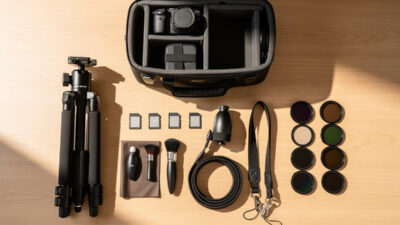
The camera body you shoot matters less than the accessories you use with it. A…
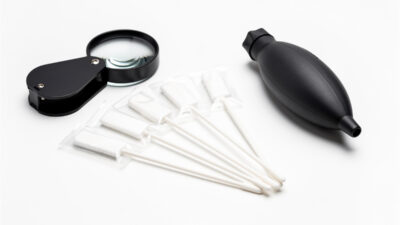
Sensor dust is the silent killer of landscape shots. You will not notice it at…

A bad camera strap hurts your neck physically. After an hour with the thin nylon…
Leave a Reply